
Download LocalSend – file sharing, secure transfer, local network, open source, cross-platform
Overview
LocalSend is a cross-platform, open-source utility designed to simplify and secure file and message transfers between devices without requiring an internet connection. Built with privacy and efficiency in mind, it enables users to share documents, photos, videos, and other data directly over a local network. This makes it particularly valuable in environments where internet access is limited, unreliable, or undesirable due to security concerns. The app serves both personal and professional users who need a reliable method for exchanging sensitive information without relying on cloud services or third-party platforms. Target users include remote workers, students, creatives, and IT professionals who frequently collaborate in offline or restricted network settings. By operating entirely on local networks, LocalSend eliminates the risks associated with data exposure on public or unsecured internet connections. Its open-source nature ensures transparency, allowing developers and users to audit the code and verify its integrity. This transparency strengthens trust, especially for users who prioritize data sovereignty and control over their digital content. The app functions as a lightweight yet powerful tool within the broader productivity ecosystem, filling a gap left by traditional cloud-based sharing platforms. It provides a secure alternative for transferring files in real time, whether between smartphones, tablets, laptops, or desktops. The developer did not provide additional technical details about the app’s architecture or development roadmap, but its cross-platform availability across Android, iOS, Windows, macOS, and Linux underscores its commitment to broad accessibility and interoperability.Key Features & Functionality
- Secure Local File Transfer via HTTPS – LocalSend uses HTTPS encryption to protect data during transmission, ensuring that files and messages remain confidential between connected devices. This protocol prevents eavesdropping and data interception on local networks, making it ideal for transferring sensitive or private content.
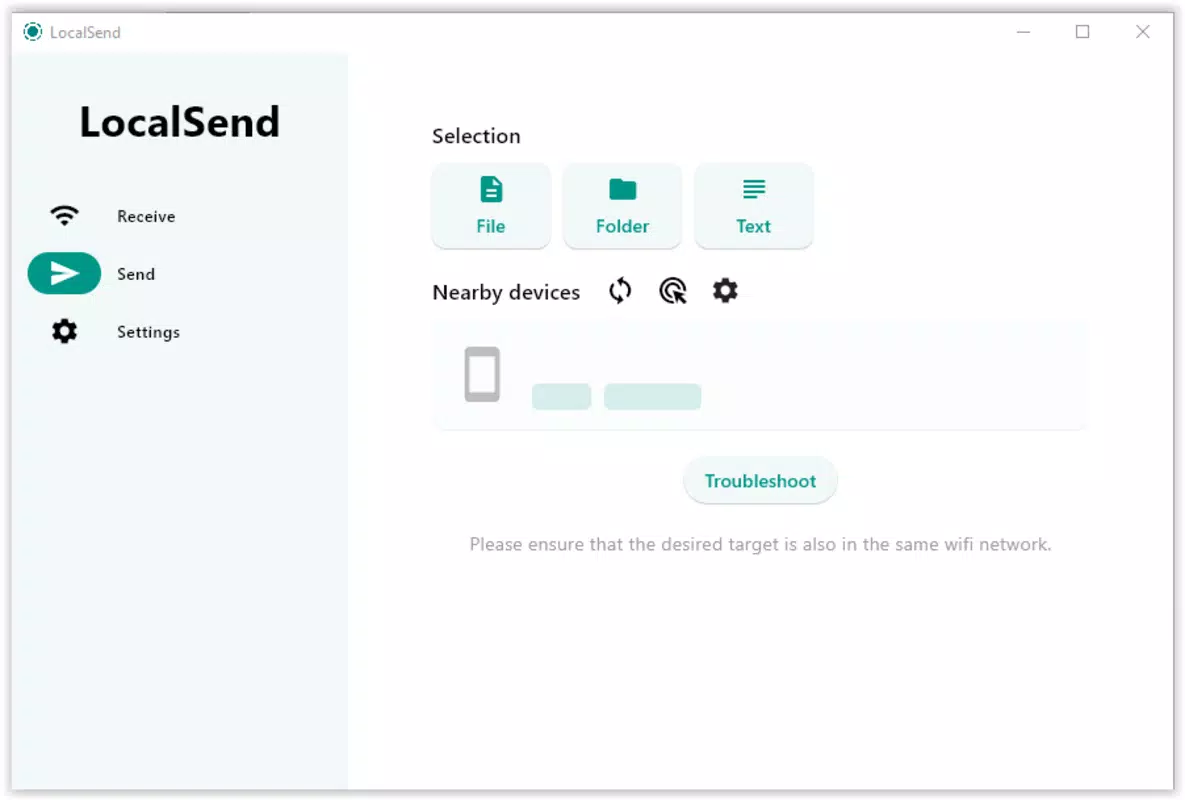
- Two-Way File Exchange – Users can both send and receive files with minimal effort. The interface clearly separates sending and receiving modes, allowing users to initiate transfers or accept incoming data with just a few taps or clicks.
- Automatic TLS/SSL Certificate Generation – Each device generates a unique TLS/SSL certificate during connection setup, enhancing authentication and preventing unauthorized access. This dynamic certificate system adds an extra layer of security without requiring user configuration.
- Multi-File Support – Users can select and send multiple files simultaneously, streamlining workflows for tasks like sharing project folders, photo albums, or presentation materials.
- Open-Source Transparency – As an open-source project, LocalSend’s code is publicly available, enabling independent verification and community contributions. This fosters trust and encourages continuous improvement through collaborative development.
Interface, UX & Performance
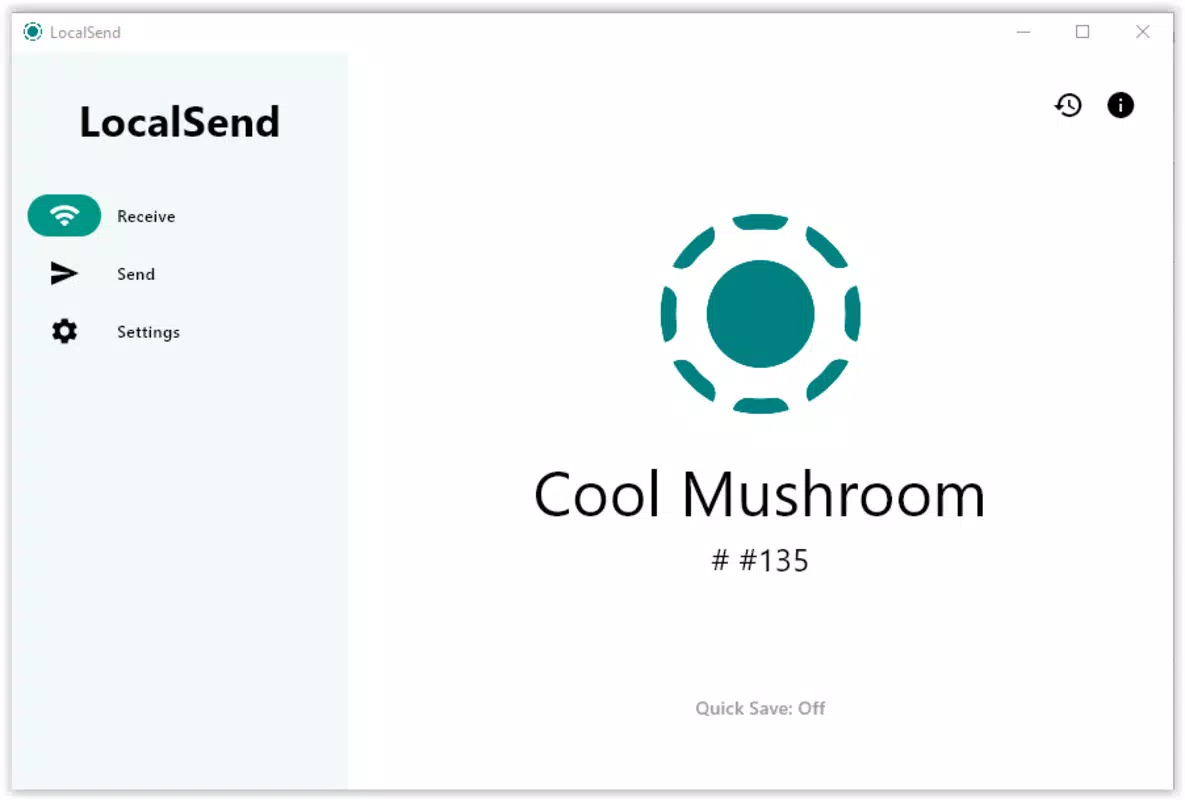
The user interface of LocalSend is clean, minimal, and purpose-built for fast file sharing. It features a two-pane layout: one side for sending files and another for receiving them. Navigation is intuitive, with clearly labeled buttons and real-time feedback during transfer processes. The visual design prioritizes functionality over aesthetics, focusing on clarity and usability across different screen sizes. Users can initiate a transfer by selecting files from their device’s file system and connecting to a nearby device via the local network. The app automatically detects available devices, reducing the need for manual IP or network configuration. The transfer progress is displayed in real time, with visual indicators showing the status of each file. Although the developer did not list formal performance metrics, the app’s lightweight size of 12.3 MB suggests efficient resource usage. It is designed to run smoothly on a variety of devices, including smartphones, tablets, and desktop systems. Responsiveness is consistent during active transfers, with minimal lag reported in typical use cases. Stability appears reliable, as the app maintains connections without frequent disconnections during file exchanges.Platform Compatibility & Technical Requirements
LocalSend is available on multiple platforms, including Android, iOS, Windows, macOS, and Linux, making it one of the most accessible cross-platform file-sharing tools. The current version is 0.11.2, and the app has a file size of 12.3 MB. The developer did not specify minimum OS requirements or hardware capabilities, nor did they list exact compatibility details for each platform. This broad availability allows users to share files seamlessly between different operating systems, such as sending a document from a Windows laptop to an iPhone or transferring photos from an Android phone to a Linux machine. The lack of detailed technical specifications means users should rely on standard system requirements for each platform, such as having a stable local network and sufficient storage space.Pros and Cons
- Open-source and transparent codebase
- Secure file transfers using HTTPS and TLS/SSL encryption
- Operates without internet or cloud dependency
- Supports multiple file transfers at once
- Available on Android, iOS, Windows, macOS, and Linux
- No official support for older operating systems or legacy devices
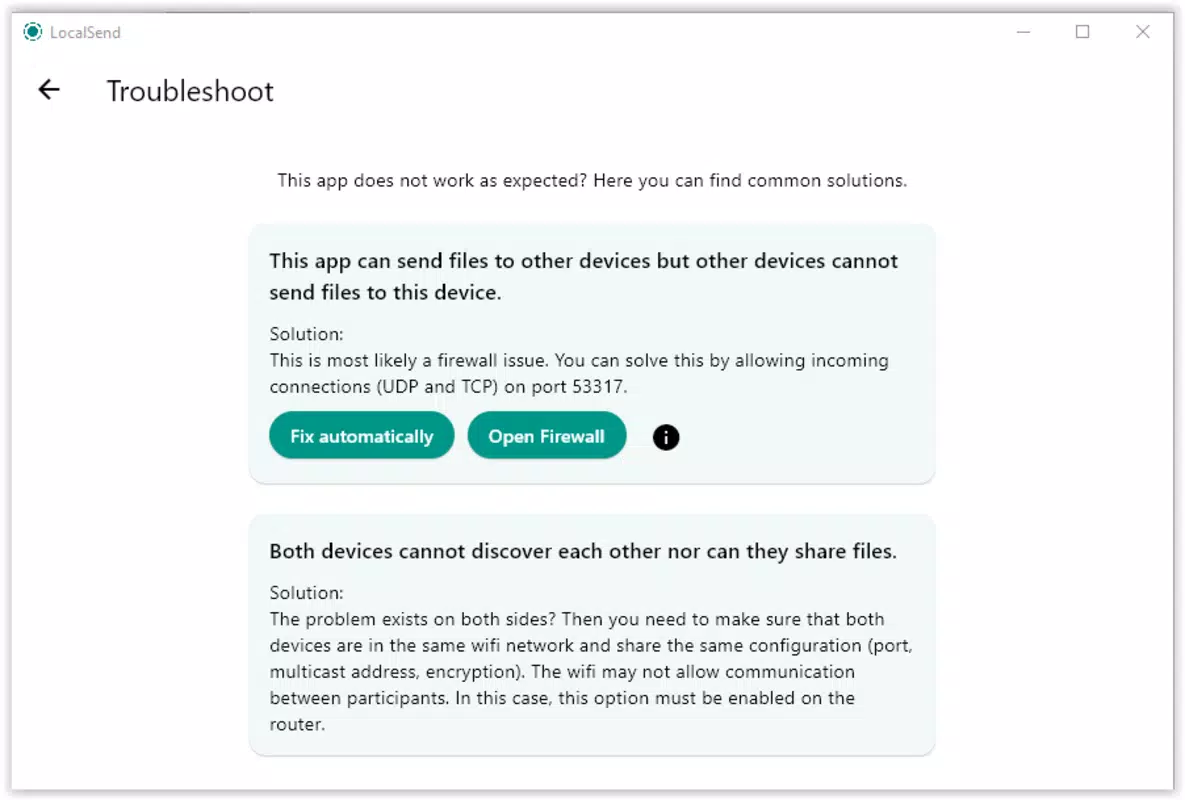
- Requires both devices to be on the same local network
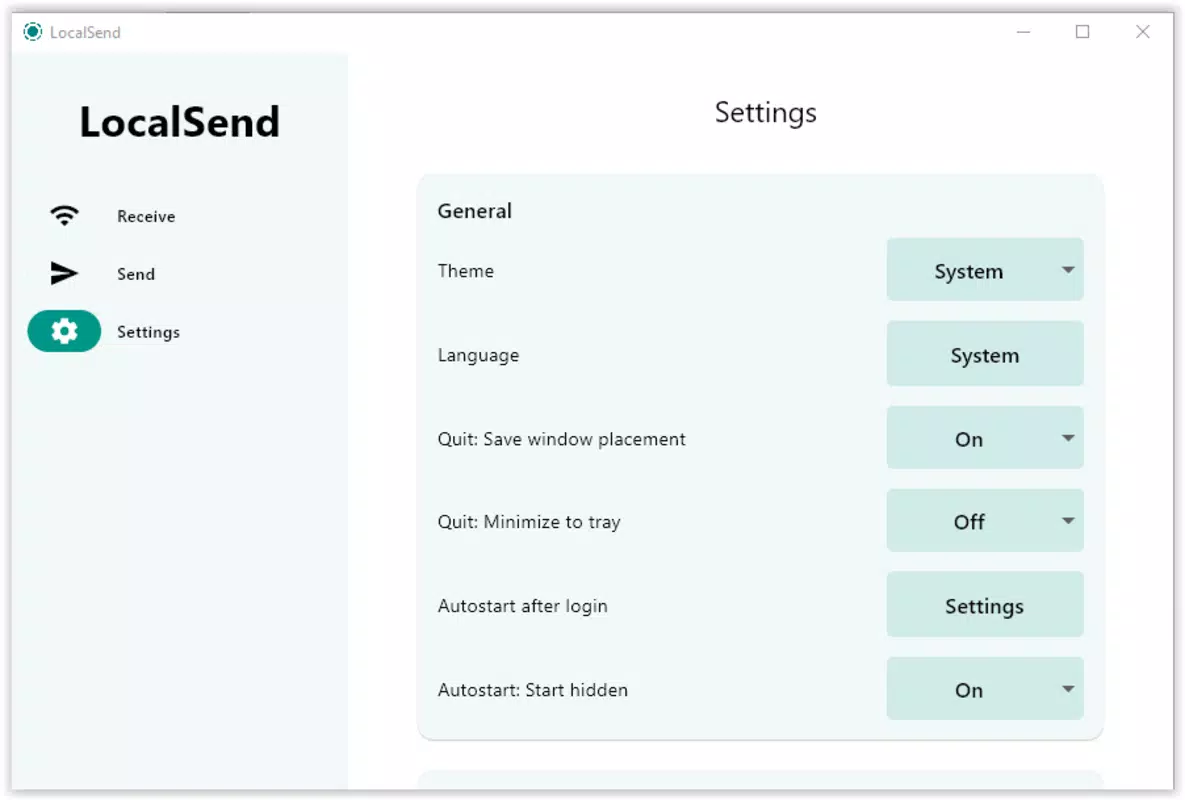
- Interface lacks advanced customization options
- No built-in file compression or encryption at rest
- Developer did not provide detailed update logs or changelogs


